Cycle-based Generation for Large Catalogues
Cycle mode splits your product catalogue into fixed-size batches so that feed generation completes reliably even on shared hosting with tight PHP time limits.
Available since v2.0.0
Overview
Without cycle mode, generating a feed requires processing every product in a single uninterrupted PHP request. On stores with thousands of products — or on shared hosting where the server cuts off requests after 30–60 seconds — this results in an incomplete or empty feed.
Cycle mode solves this by processing a configurable number of products per request, saving progress after each batch, and automatically chaining requests until the full catalogue is written. The feed file Facebook reads is always a complete, valid snapshot from the last successful full generation; it is never replaced by a partial file.
Two areas of the module control cycle behaviour:
- Product Options tab — the Cycle Items field (
FPF_CYCLE) turns cycle mode on or off. - Generation Options tab — performance and safety knobs that control how the cycle engine behaves.
How Cycle Mode Works
When cycle mode is enabled, each generation request works through the following steps:
-
First request — a fresh generation starts. The engine queries the first
Nproducts (whereNis your cycle size), writes them to a temporary feed file, and saves its position tofeeds/progress.json. -
Continuation — once the first batch is written, the engine makes an internal cURL call to itself, passing the current position and state as POST data. The new request picks up exactly where the previous one left off, increments the cycle counter, and processes the next batch.
-
Completion — when the last product is processed, the temporary file is moved to the final feed location. Only at this point does the live feed URL reflect the new generation. Facebook always reads a complete file.
-
Progress file —
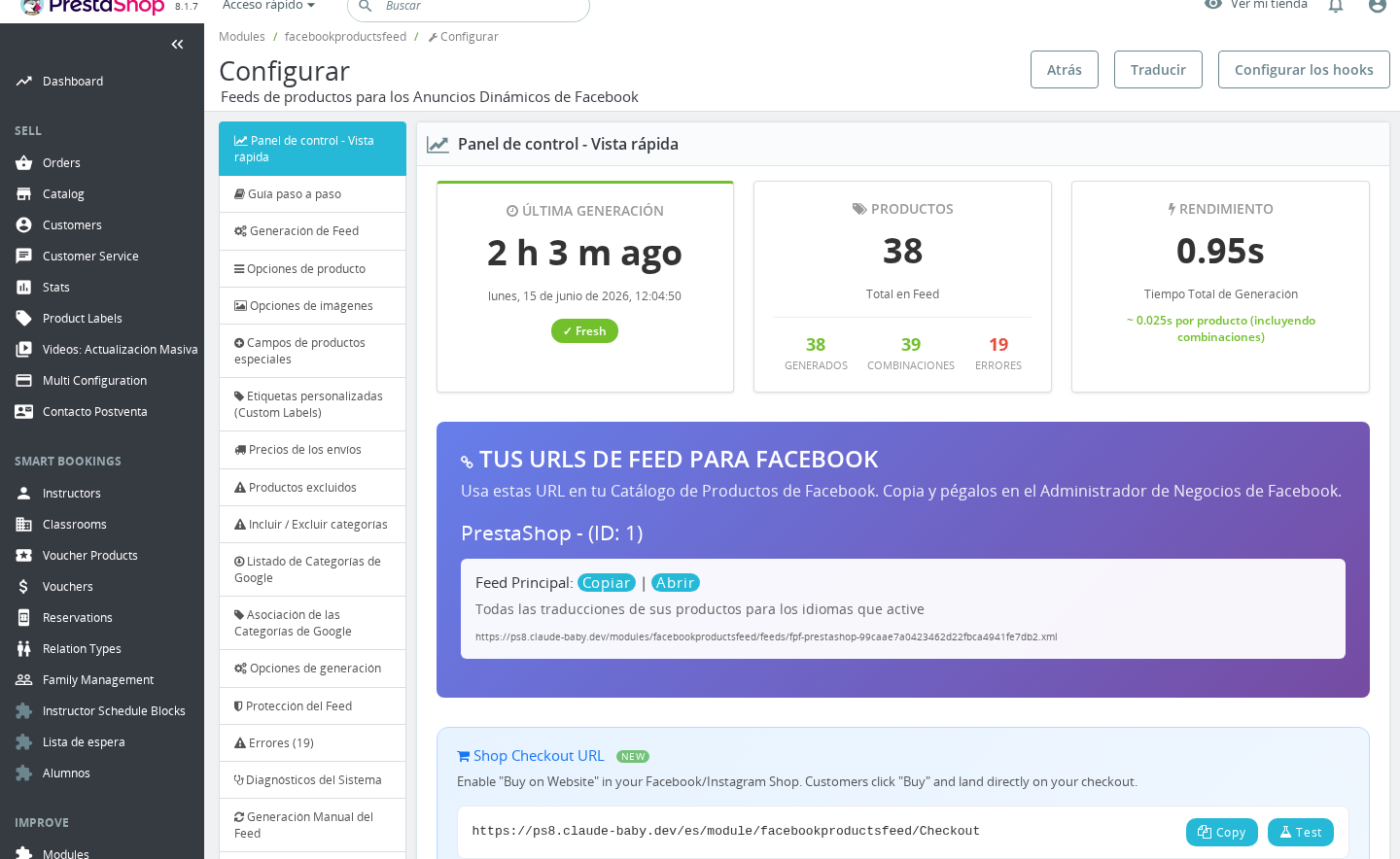
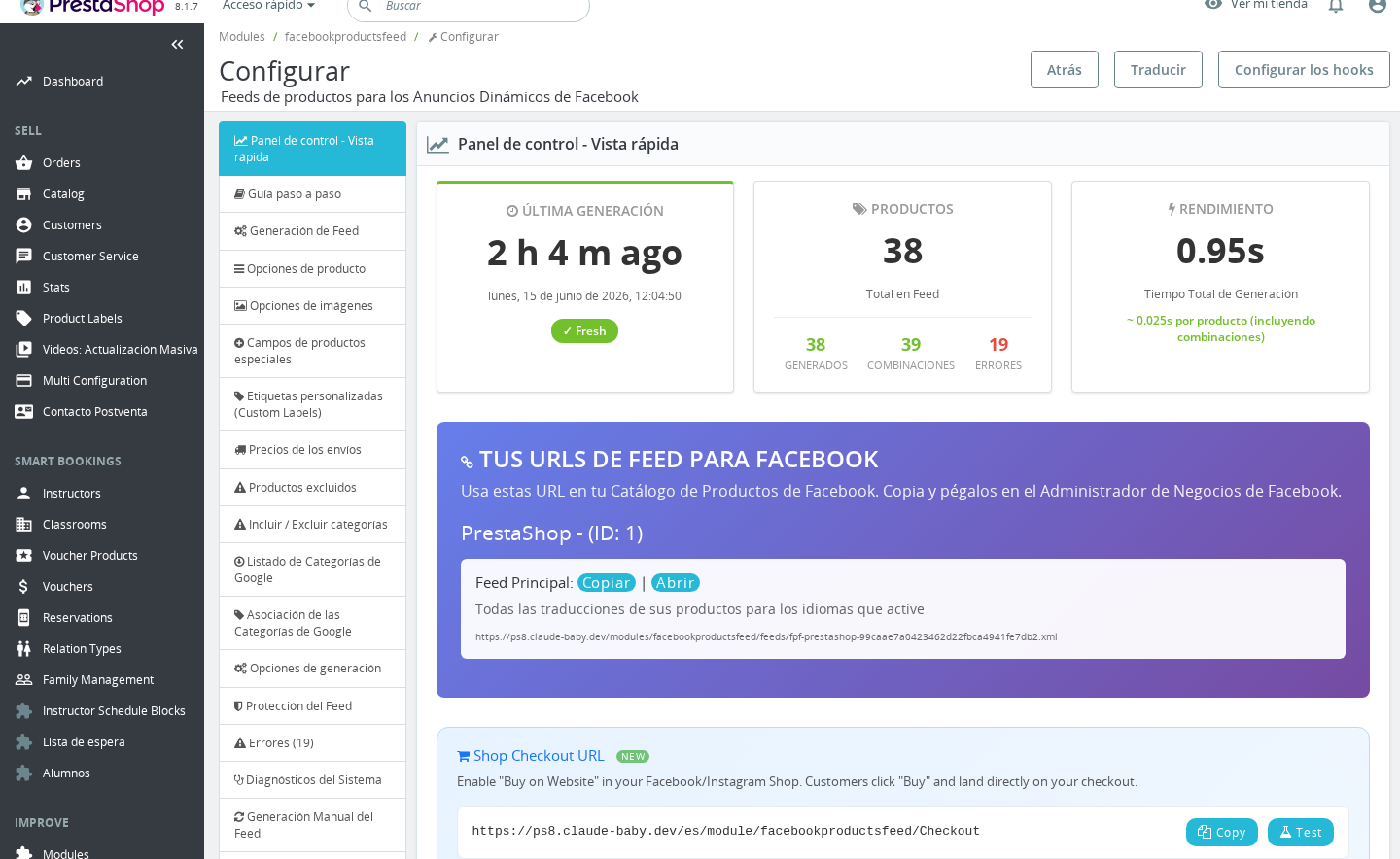
feeds/progress.jsonis updated every 5 products during a cycle and at every cycle boundary. The Back Office dashboard reads this file to show the live progress bar and product counts. The file containsmeta.total_feeds,meta.completed_feeds, andmeta.global_percentso the UI can show an accurate percentage without loading the full feed. -
Crash recovery — if a request is interrupted (server timeout, memory error, browser close), the next scheduled cron call checks whether
progress.jsonis newer than 120 seconds. If it is, generation is already in progress and the new call exits cleanly. If more than 120 seconds have elapsed since the last progress update, the engine assumes the previous run stalled and starts a new generation from scratch.
The 120-second guard is hard-coded. On very slow servers or very large cycle sizes you can avoid false restarts by keeping cycle size small enough that each batch completes in under 120 seconds.
Configuration
Enabling Cycle Mode
Go to Modules > Module Manager > Facebook & Instagram Product Catalogue Feed Pro > Configure, then open the Product Options tab.
| Field | Location | Values | Default | Description |
|---|---|---|---|---|
Cycle Items (FPF_CYCLE) | Product Options | Any positive integer, or 0 to disable | 0 (disabled) | Number of products to process per cycle. Set to 0 to generate the entire catalogue in one request. Recommended: 500–2000 depending on catalogue complexity. |
When Cycle Items is
0, the engine attempts to generate all products in a single request. This works fine on VPS or dedicated hosting with no time limits, but is likely to time out on shared hosting with catalogues over ~1,000 products.
Performance and Safety Settings
Open the Generation Options tab for the following fields.
| Field | Values | Default | Minimum | Description |
|---|---|---|---|---|
Product processing chunks (FPF_CHUNK_SIZE) | Positive integer | 2000 | — | Products are loaded from the database in this chunk size. This controls SQL query size, not the number of products per cycle. Lower this value if you hit memory errors during the stock-loading step. |
Product Save cycle (FPF_FEED_UPDATE) | Integer ≥ 5 | 5 | 5 | How often (in products processed) the temporary feed file is flushed to disk. Lower values reduce data loss on crash but add more I/O. Values below 5 are silently raised to 5. |
Product Overrides save cycle (FPF_FEED_UPDATE_OVERRIDES) | Integer ≥ 10 | 10 | 10 | Same as above, but for language and country override feeds. Values below 10 are silently raised to 10. |
Maximum number of Cycles (FPF_FEED_UPDATE_CYCLES) | Integer ≥ 50 | 50 | 50 | Hard upper limit on how many cycles a single full generation can use before the engine stops. This is a safety guard against infinite loops. Values below 50 are silently raised to 50. |
Ignore Abort (FPF_IGNORE_ABORT) | Enabled / Disabled | Disabled | — | When enabled, calls ignore_user_abort(true) so the PHP process keeps running even if the browser connection drops. Useful for manual generation via the console viewer. |
The minimum floors for FPF_FEED_UPDATE_OVERRIDES (10) and FPF_FEED_UPDATE_CYCLES (50) are enforced silently when you save. If you type a lower number, it is replaced without a warning message.
Cycle limit reached: If your catalogue requires more cycles than the Maximum number of Cycles value, generation stops early and the feed may be incomplete. Multiply your product count by 1.2 (to account for language and country feeds) then divide by your cycle size to estimate the number of cycles needed. Set the maximum at least 20% above that estimate.
Combining with Cron
Cycle mode and cron are designed to work together. The recommended setup is:
- Set Cycle Items to a value that fits comfortably within your server's PHP execution time limit — typically 500 products takes 10–30 seconds depending on server speed, catalogue complexity, and whether shipping is enabled.
- Add a cron job that calls the feed generation URL every 15–30 minutes. The cron URL is shown in the Automatic Generation (Cron Jobs) tab.
- The first cron call starts generation. If the catalogue needs multiple cycles, the engine chains through them automatically within the same cron invocation using internal cURL calls. Cron does not need to fire once per cycle.
If the feed generation for your full catalogue takes longer than the cron interval, two things protect you: the 120-second progress guard prevents a second cron call from restarting an in-progress generation, and the live feed URL is only updated when a generation completes — so Facebook always reads the last complete version.
For very large catalogues (50,000+ products) or servers where cURL is restricted, consider running generation from the command line:
php index.php --fpf_secret_key=YOUR_KEY
CLI generation disables the cycle-per-request approach and runs the full generation in a single process without the cURL chaining overhead.
Time Limit Behaviour
At the start of each cycle, the module attempts to increase PHP's max_execution_time. The target time limit is calculated from the cycle size: cycle_size / 5 seconds when combinations are enabled, cycle_size / 10 seconds otherwise. For example, with 2,000 products and combinations enabled, it requests 400 seconds per cycle.
If set_time_limit is disabled on your server (common on shared hosting), this adjustment is silently skipped and the existing limit applies. Keep your cycle size small enough that each batch completes within that limit.
The module also attempts to raise the PHP memory limit to 1 GB at the start of generation if less than 1 GB is currently allocated and sufficient free system memory is available.
Usage Examples
Example: Shared hosting with 120-second time limit
A store with 8,000 products on shared hosting. Each product takes about 15 ms to process (no combinations, no shipping). That gives roughly 2,000 products per 30 seconds.
Recommended settings:
- Cycle Items:
1,500(gives a safety margin below the 120s limit) - Maximum number of Cycles:
100(8,000 / 1,500 = ~6 cycles for main feed, plus language and country feeds) - Cron interval: every 15 minutes
Each cron call chains ~6 automatic cycles and completes the full generation in one run.
Example: Clothing store with combinations
A store with 3,000 products, each with 10–15 size/colour combinations. Combination processing takes roughly 3–5 times longer per product.
Recommended settings:
- Cycle Items:
500 - Maximum number of Cycles:
100 - Product processing chunks (
FPF_CHUNK_SIZE):500(match cycle size to avoid loading more into memory than you process)
Example: VPS with no time limit
A store with 15,000 products on a VPS where max_execution_time is 0 or very high.
Recommended settings:
- Cycle Items:
0(disabled — single-pass generation) - Cron interval: every 60 minutes
Disabling cycles removes the cURL-chaining overhead and simplifies troubleshooting.
Important Notes
- Cycle mode is per-shop in multi-shop setups, but the Cycle Items field itself is stored as a global configuration value and applies to all shops in a multi-shop installation.
- Language and country override feeds are generated after the main feed completes. They also benefit from cycle mode but use a separate save-cycle frequency controlled by FPF_FEED_UPDATE_OVERRIDES.
- The
feeds/progress.jsonfile is written inside the module'sfeeds/folder. Ensure the web server user has write permission to that folder. - The feed is served from a temporary file during generation and moved to the final location only on completion. If you check the feed URL mid-generation, you receive the previous complete version.
- When running from CLI (
php_sapi_name() === 'cli'), theFPF_CYCLEvalue is not loaded — CLI generation always runs in single-pass mode regardless of your Cycle Items setting.
Troubleshooting
| Problem | Solution |
|---|---|
| Feed is always empty or partial | Cycle size is too large for your server's time limit. Reduce Cycle Items to 500 or lower and regenerate. |
| "A Feed generation is currently in progress" message appears every time you trigger generation | A previous generation stalled. Wait 120 seconds and try again. If the problem repeats, check that the feeds/ folder is writable so progress.json can be updated. |
| Dashboard progress bar is stuck at a percentage | The generation process was interrupted mid-cycle. The bar reflects the last written progress.json. Trigger a new generation to restart. |
| Cycle limit reached, feed incomplete | Increase Maximum number of Cycles in the Generation Options tab. Estimate required cycles as: (total products × number of feeds) ÷ cycle size. |
| Memory errors during generation | Lower Product processing chunks (FPF_CHUNK_SIZE) to reduce the number of products loaded into memory at once for the stock-loading step. |
| Generation completes but the feed URL still shows old data | The feed was not moved because generation did not fully complete. Check the Errors tab for product errors that may have caused generation to exit early. |
| CLI generation ignores Cycle Items setting | This is expected behaviour. CLI runs single-pass; cycle mode only applies to web and cron requests. |
Frequently Asked Questions
How do I know if my store needs cycle mode?
If your store has more than 1,000 products, or if you have previously seen an empty or incomplete feed, you should enable cycle mode. Start with a cycle size of 1,000 and reduce it if generation still times out.
Does cycle mode slow down feed generation overall?
Slightly. Each cycle adds a small overhead for the cURL call and progress file I/O. For most stores the total generation time increases by 5–10% compared to single-pass. The trade-off is reliability on servers with time limits.
What happens to the live feed while generation is in progress?
Nothing changes. The live feed URL serves the last fully completed feed until the new generation finishes and moves the temporary file into place. Your customers and Facebook see no interruption.
I set Maximum number of Cycles to 30 and saved, but it shows 50 in the form. Is this a bug?
No. The minimum allowed value for this field is 50. If you enter a number below 50, it is raised to 50 automatically when you save. The same applies to Product Overrides save cycle (minimum 10) and Product Save cycle (minimum 5).
Can I run generation from the command line instead of using cron?
Yes. Use php index.php --fpf_secret_key=YOUR_KEY from the PrestaShop root. CLI generation always runs single-pass (cycle mode is disabled in CLI). This is useful for very large catalogues on servers where PHP CLI has no time limit.
Does each shop in a multi-shop setup generate its feed independently?
A single generation run processes all enabled shops in sequence within the same cycle chain. Shops that are already complete are skipped automatically in continuation cycles so work is never duplicated.
The progress bar in the dashboard shows 100% but the feed URL returns old products. What went wrong?
This can happen if the feeds/ folder is not writable, which prevents the temporary file from being moved to the final location. Verify that the web server user has write permission to /modules/facebookproductsfeed/feeds/.