Recovery Tracking and Statistics
Recovery Tracking automatically detects when a reminded order gets paid and records it as a recovered sale, so you can measure the direct impact your payment reminders have on revenue.
Available since v1.3.0
Overview
Every time your cron job sends a reminder to a customer, the module records that order as "reminded." If the customer later completes payment and the order moves to a paid status, the module immediately marks the order as recovered and records the date.
The Recovery Statistics panel on the module dashboard gives you four headline numbers — orders reminded, orders recovered, revenue recovered, and recovery rate — plus a month-by-month breakdown covering the last six months. This lets you see at a glance whether your reminder sequence is working, which months perform best, and how much revenue you would otherwise have lost.
The tracking happens automatically. There is nothing to configure to enable it, and it does not affect how reminders are sent or how orders are processed.
Configuration
Recovery tracking has no dedicated settings — it is always active once the module is installed. The only action required from you is making sure your cron job is running regularly so that reminders are sent. Without reminders being sent, no orders are recorded as "reminded," and the statistics panel will not appear.
To find the statistics:
- Go to Modules > Module Manager, find Order Payment Reminders Pro, and click Configure.
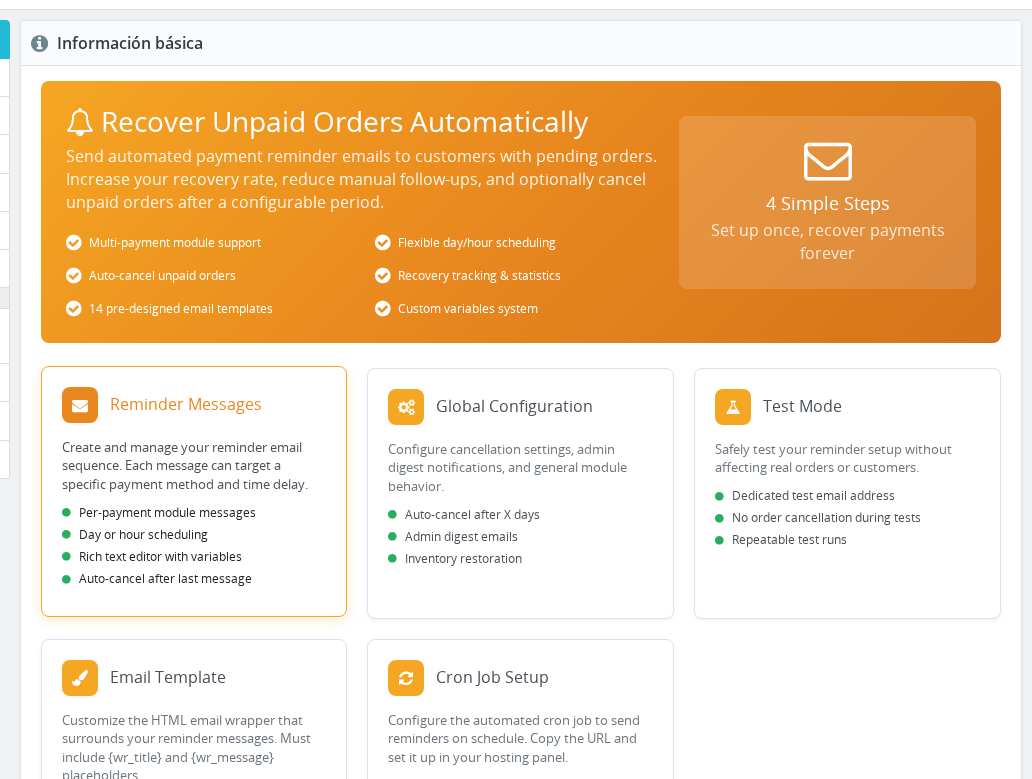
- The Recovery Statistics panel appears below the setup checklist on the main dashboard.
The panel is hidden until your first reminder has been sent. Before that, a placeholder message tells you that statistics will appear once the module starts sending.
How It Works
Detecting a Recovered Order
When any order changes status in your store, the module checks two things:
- Is the new order status a paid status?
- Did this order ever receive a reminder from this module?
For the first check, the module recognises an order as paid when its new status matches either of PrestaShop's built-in paid states (Payment Accepted and Remote Payment Accepted) or when the order state itself has the "paid" flag enabled. Custom payment statuses you have created with the paid flag checked will also trigger recovery tracking.
For the second check, the module looks up the order in its internal tracking table. If a reminder was ever sent for that order, and the order has not already been marked recovered, it is updated: the recovered flag is set and the date and time of the payment confirmation are recorded.
If the order never received a reminder, the status change is ignored and no record is written.
When a Tracking Record Is Created
The tracking record for an order is created the first time a reminder is sent. At that point the module writes the order ID, the ID of the reminder message sent, a reminder count of 1, and the date and time of the first reminder.
On each subsequent reminder for the same order, the latest message ID and reminder count are updated. The recovered flag and recovery date remain empty until a paid status change is detected.
Understanding the Statistics Panel
Orders Reminded
The total number of distinct orders that received at least one reminder email within the last six months. An order is counted once regardless of how many reminder emails it received. The count is based on the date the first reminder was sent, not the date of the order itself.
Orders Recovered
The number of reminded orders that subsequently moved to a paid status within the last six months. An order is counted as recovered when PrestaShop changes its status to a state that is flagged as "paid." The count is based on the date the payment was confirmed, not the date of the reminder.
Revenue Recovered
The sum of all paid totals across recovered orders in the last six months. This uses the order's actual paid total as recorded by PrestaShop, in your store's default currency.
Revenue Recovered reflects the full order value of every recovered order. It does not attempt to subtract the cost of sending reminders or any partial refunds applied after payment.
Recovery Rate
Orders Recovered divided by Orders Reminded, expressed as a percentage and rounded to one decimal place. A rate above 20% is highlighted in green; below 20% it shows in amber. The threshold is a general benchmark — what is "good" depends on your product category and typical payment delay.
Orders Cancelled After Reminders
Below the four headline cards, a line shows how many reminded orders ended in the PrestaShop Cancelled state. This figure is informational only and does not affect the other metrics. It can help you understand whether the auto-cancel feature is removing a significant portion of unpaid orders.
Monthly Breakdown Table
A table beneath the headline cards lists the last six calendar months. For each month it shows:
| Column | What it shows |
|---|---|
| Month | Calendar month and year (e.g., May 2026) |
| Reminded | Orders that received their first reminder in that month |
| Recovered | Orders whose payment was confirmed in that month |
| Revenue | Total paid amount for recovered orders in that month |
Note that the Reminded and Recovered columns use different event dates, so the same order can appear in different months — reminded in April, recovered in May.
Statistics Caching
Recovery statistics involve joining tables and aggregating up to six months of data. To keep the dashboard fast, the module caches the computed result for one hour. If you process a payment immediately after loading the dashboard, the counters will not update until the cache expires. Reloading the page after an hour will show the latest figures.
Usage Examples
Example: Evaluating your reminder sequence effectiveness
You notice your recovery rate has been sitting at 12% for the past two months. Opening the monthly breakdown, you see that May had 40 reminded orders but only 5 recovered. You decide to add a second, more urgent reminder at 48 hours and monitor whether June's recovery rate improves.
Example: Tracking revenue impact after enabling a new payment method
You expand the module to cover all payment methods, not just bank wire. Over the next two months, the Revenue Recovered figure in the dashboard climbs from €400/month to €1,100/month, giving you a concrete number to report.
Example: Calibrating the auto-cancel window
You see that 30 orders per month are showing in the "Cancelled After Reminders" counter. By extending the auto-cancel window from 7 to 14 days, you give customers more time to pay after your final reminder — and the following month's Recovered count rises by 8 orders.
Important Notes
- Manual status changes. If you manually change an order status to a paid state in the Back Office, the recovery is recorded just like an automatic payment. The module cannot distinguish between a genuine customer payment and an admin override.
- Status changes to non-paid states. If you move an order to a refunded, disputed, or any other non-paid status after it was already marked recovered, the recovery flag is not removed. Once an order is marked recovered it stays recovered, even if the order is later refunded. Revenue Recovered therefore reflects what was collected, not what was ultimately retained.
- Already-recovered orders. The update only fires when an order has not yet been marked recovered. A second paid status change on an already-recovered order has no effect.
- Orders paid before the module was installed. Orders that were paid before any reminder was sent will never appear in recovery statistics because no tracking record exists for them.
- Multi-shop. Recovery tracking fires globally across all shops. An order from any shop will be marked recovered as long as it received a reminder. The statistics panel shows aggregate data across all shops; there is no per-shop filter in the recovery panel.
- Partial payments. If your store uses a custom status for partial payments with the paid flag enabled, those orders will be counted as recovered at their full
total_paidvalue. - Statistics window. All statistics cover the last six calendar months from today. Orders older than six months are excluded from all counts, even if they were recovered recently.
- Interaction with auto-cancel. A cancelled order is no longer eligible for a paid status change, so it will never be marked recovered. The "Orders Cancelled After Reminders" counter gives you visibility into how many orders were removed this way. Consider setting the cancellation window generously so customers have time to pay after receiving your final reminder.
Troubleshooting
| Problem | Solution |
|---|---|
| Recovery Statistics panel does not appear | The panel only shows after at least one reminder has been sent. Run the cron job and confirm orders appear in the reminded count first. |
| Recovery rate shows 0% despite paid orders | Confirm the paid order state has the "paid" flag enabled in Orders > Statuses. Custom states must have this flag checked to be recognised. |
| Revenue Recovered is lower than expected | Only orders where the recovery date falls within the last six months are included. Check whether the payment confirmation happened more than six months ago. |
| Stats not updating after a payment | Stats are cached for one hour. Wait for the cache to expire and reload the page. |
| Monthly Reminded and Recovered columns do not match | This is expected. Reminded is based on first-reminder date; Recovered is based on payment date. An order reminded in one month may be paid in the next. |
| An order was paid but not counted as recovered | The order must have received at least one reminder before the payment. If the reminder was never sent, the module finds no tracking record and does nothing. Verify the cron job ran and the order was in scope for reminders. |
Frequently Asked Questions
Does recovery tracking affect how emails are sent or how orders are processed?
No. Recovery tracking only updates a flag in the module's own tracking table when a payment is confirmed. It does not change order statuses, send extra emails, or modify any PrestaShop data.
Can I reset the statistics to start fresh?
The statistics are computed live from the module's tracking records. There is no reset button in the Back Office. If you need to clear historical data, you would need to edit that table directly in your database — which is not recommended unless you fully understand the implications for ongoing tracking.
If I refund an order after it was marked as recovered, will the Revenue Recovered figure decrease?
No. Once an order is marked recovered, that status and its revenue are permanent in the module's records. Revenue Recovered reflects what was originally collected, not the net amount after refunds.
Why does my recovery rate look different from what I calculate manually?
The rate is Recovered divided by Reminded within the same rolling six-month window, but the two counts use different dates — first-reminder date for Reminded, payment date for Recovered. An order reminded in month 1 and paid in month 2 contributes to different calendar months in the breakdown table, but both counts share the same six-month window for the headline rate. Orders reminded more than six months ago are excluded even if they were recently paid.
Does the module track recovery for all payment methods or only bank wire?
Recovery tracking applies to all orders that received a reminder, regardless of which payment method was used. Since version 1.2.0 the module supports any payment method you configure.
What counts as a "paid" order state?
The module recognises the two built-in PrestaShop paid states (Payment Accepted and Remote Payment Accepted) plus any custom order state where you have checked the "paid" option. You can review and edit order states under Orders > Statuses in your Back Office.
Will recovery statistics work correctly after upgrading from an older version?
Yes. The upgrade script adds the required tracking columns to the existing orders table. All previously reminded orders start as not recovered. As those orders receive paid status changes going forward, they are marked recovered automatically.